

 To get started, sign up for a developer account at deepl.com and get your authentication key from your account page.
Click the button below to fork the DeepL API collection into your own Postman workspace:
To get started, sign up for a developer account at deepl.com and get your authentication key from your account page.
Click the button below to fork the DeepL API collection into your own Postman workspace:
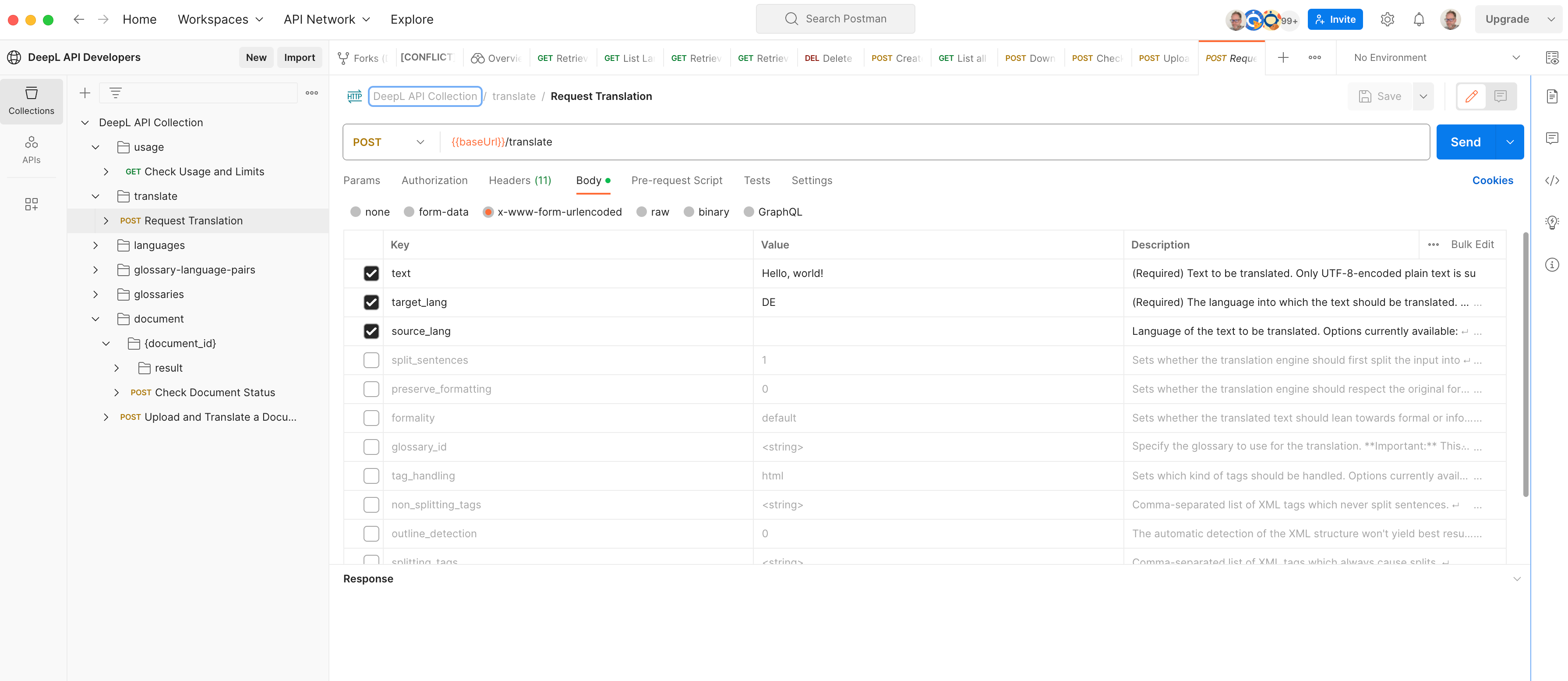
 In your forked collection, select the relevant
 baseUrl variable depending on you subscription (https://api.deepl.com/v2 for Pro, https://api-free.deepl.com/v2 for Free).
In the Authorization section of your forked collection, you will see the value DeepL-Auth-Key [yourAuthKey]. Change [yourAuthKey] for your own key and you’re ready to go!